Business Network Solutions and Managed Network Services in Queensland
Short answer: Business network solutions are the cabling, switches, routers, Wi-Fi, firewalls and internet links that connect your staff, devices and sites. Loginet designs, installs and supports all of these as one network for Queensland businesses, from our Toowoomba head office and Gold Coast office, with remote network management and onsite work when needed.
What You Get With Loginet Network Solutions
Loginet designs, installs and supports business networks together with the phones, cabling, fibre and cameras that run on them, so your connectivity is planned as one environment, not a pile of separate vendors.
One accountable team
Phones, cabling, Wi-Fi, fibre pathways and cameras planned together so call quality and coverage are not someone else's problem.
Site-aware design
We walk the site, review what you already have, and only replace what limits performance or reliability.
Clear cut-over plans
Number ports, rack work and go-lives are scheduled to keep disruption low for staff and customers.
Documented handover
Labelling, test results and as-built notes so your team (or ours) can support the system afterwards.
Local Queensland delivery
Toowoomba and Gold Coast offices, with onsite work across South East Queensland.
Support after go-live
Moves, adds, changes and fault handling — including carrier escalation when you authorise it.
Telecom designed with your IT environment
Loginet plans phones, cabling, wireless and security systems with the same Queensland team that supports your broader ICT — so cut-overs and faults have one accountable path.
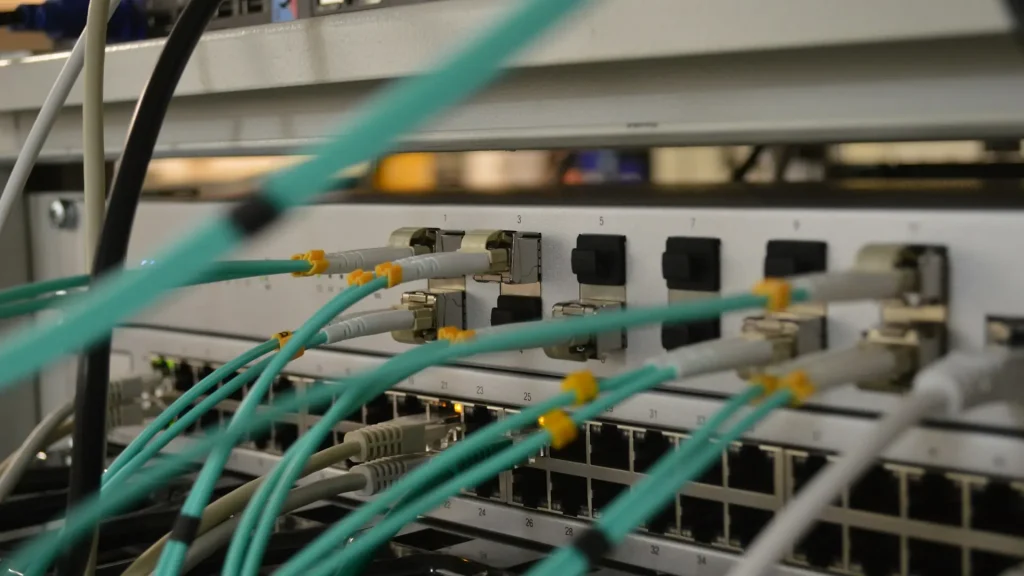
Illustrative photo only — not Loginet staff or sites.
Wired, Wireless and Connectivity, Managed Together
Network solutions at a glance: the six layers
A business network is built in layers. When one layer is weak, the problem shows up somewhere else, so we plan them together.
| Layer | What it does | What Loginet does | More detail |
|---|---|---|---|
| 1. Cabling | The physical foundation: data cabling to desks, access points, phones, cameras and the comms rack | Plan, install, test, label and document cabling to match the switching and Wi-Fi design | Structured cabling |
| 2. Switching (LAN) | Connects every wired device and separates traffic with VLANs; PoE powers phones, cameras and access points | Managed switches with VLANs and PoE, sized for voice, video and cloud apps | This page |
| 3. Routing and WAN | Moves traffic between your sites and out to the internet | Routers configured and tested on site; SD-WAN with policy-based routing and failover for multi-site businesses | Multi-site connectivity and SD-WAN · How SD-WAN works |
| 4. Wi-Fi | Wireless access for staff, guests and devices | Site survey, access point design, separate staff and guest networks, central management | Business WiFi solutions |
| 5. Firewall | Protects the network edge, segments networks and controls remote access | Firewalls, segmentation and secure remote access designed in, not bolted on later | Firewall and network security |
| 6. Internet and backup link | The connection to the internet and the cloud, plus a second link if the main one fails | Business nbn, Enterprise Ethernet and dedicated fibre options, with 4G or 5G failover where uptime matters | Business internet and backup connections |
This page is the network hub. Specialist Wi-Fi detail lives on Business Wi-Fi; carrier services live on Business Connectivity.
Business Wi-Fi
Site-surveyed, centrally managed wireless with separate staff and guest networks.
Switching & LAN
Managed switches with VLANs and PoE for phones, cameras and access points.
SD-WAN & Multi-Site
Policy-based routing and failover for organisations with several sites.
Business Connectivity
Business nbn, Enterprise Ethernet and dedicated fibre options matched to uptime needs.
Network Security
Firewalls, segmentation and secure remote access designed in — not bolted on later.
Monitoring & Support
Proactive checks on links, switches and access points when you need ongoing care.
Managed Network Services: Remote and Onsite Network Management
A network needs looking after once it’s installed. With managed network services from Loginet, the team that designed your switches, Wi-Fi, firewalls and internet links also supports them, so a fault isn’t bounced between the installer, the carrier and your IT provider.
- Remote network management. When ongoing support is part of your arrangement, we check your links, switches and access points remotely and handle most changes and faults without waiting for a visit. See how our 24/7 remote monitoring works.
- Onsite network management. When a job needs hands on site, such as new equipment, cabling, a failed switch or an office move, engineers come out from our Toowoomba head office or Gold Coast office in Bundall. We work on site across South East Queensland.
- Moves, adds and changes. New staff, new desks, a new printer VLAN or an extra access point are handled as routine requests, including carrier escalation when you authorise it.
- Documented as we go. Labelling, diagrams and test results are kept up to date, so changes are faster and you’re never locked out of your own network.
- Hours. Our office hours are Monday to Friday, 9am to 5pm AEST, and 24/7 support is available for existing clients.
See network support and maintenance.
Not sure how exposed your network is? Start with a free cyber security assessment.
Why Networks Fail Quietly
Fast fibre will not help if the Wi-Fi drops out, and great Wi-Fi cannot fix an overloaded switch. Most “internet problems” are really design problems: guest Wi-Fi on the same VLAN as finance, PoE budgets too small for cameras, or a single uplink with no failover.
Dead zones and drops
Coverage planned with a survey, not guesswork.
Slow cloud apps
Capacity and QoS sized for voice, video and SaaS.
Guest vs staff risk
Segmentation so visitors cannot reach business systems.
Camera and phone PoE
Switch and cabling plans that power devices safely.
Multi-site complexity
Consistent standards across Queensland locations.
Undocumented racks
Labelling and diagrams that make support faster.
One network design for Wi-Fi, phones and cameras
When Loginet designs a network, we account for voice quality, wireless density and security devices sharing the same plant. That reduces the finger-pointing that happens when each vendor only owns one piece.
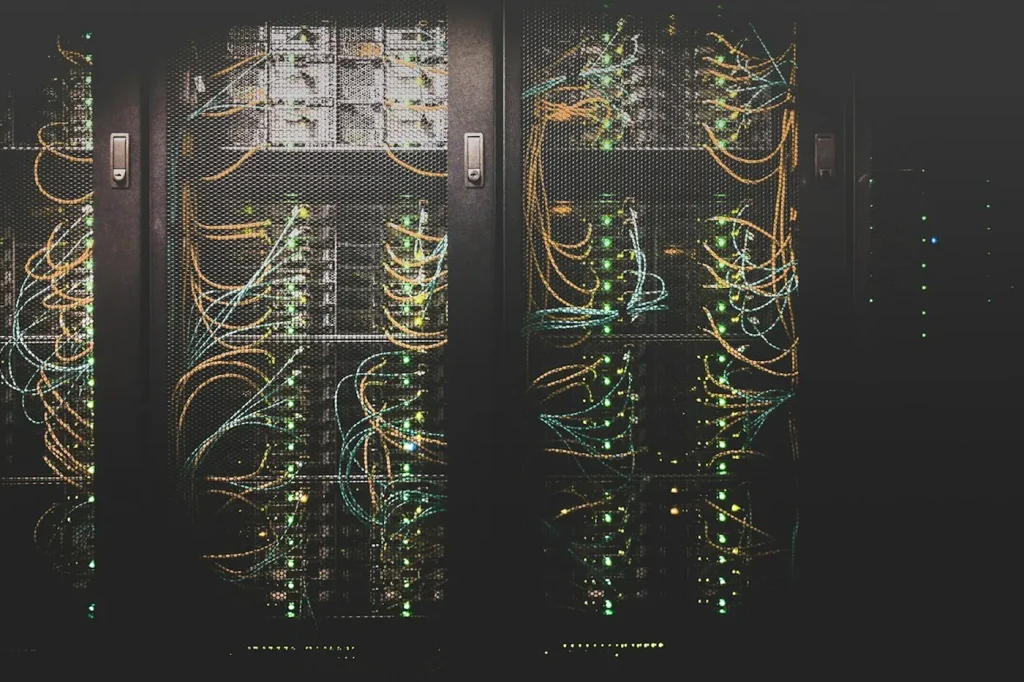
Illustrative photo only — not a Loginet rack.
How We Build Your Network
Assess → Design → Deploy → Support.
Site survey and audit of the current network, Wi-Fi and links.
Topology, Wi-Fi plan, VLANs and connectivity options with a clear scope.
Install, configure, test and document with minimal disruption.
Monitoring, changes and reviews as sites grow.
Why Queensland Businesses Choose Loginet for Networking
Loginet is a Queensland ICT company with 4+ years’ experience. We deliver network projects alongside phones, cabling and CCTV so the whole environment stays coherent.
- IT and telecom under one roof: the same team looks after phones, network, cabling, connectivity and security systems
- 4+ years delivering ICT services for Queensland businesses
- Local and accessible: offices in Toowoomba and Bundall, with onsite work across South East Queensland
- Clear documentation: labelled, tested and handed over so future changes are simpler
- Practical advice: we recommend what suits your sites and budget — not a one-size package
Network Solutions in Brisbane, the Gold Coast and Toowoomba
Loginet works from our head office at 12/217 Margaret St, Toowoomba City, and our Gold Coast office at Suite F10B, 47 Ashmore Rd, Bundall. Loginet has station offices in Brisbane and the Sunshine Coast, with regular onsite visits there, plus remote support every day from our South East Queensland engineers.
Toowoomba
Our head office supports Toowoomba and the Darling Downs with local technicians who understand regional sites. See IT support in Toowoomba.
Gold Coast
Network installs, cabling, Wi-Fi and phones for Gold Coast businesses, from our Bundall office. See our Gold Coast IT team.
Brisbane
Business networks, Wi-Fi, cabling and phones for Brisbane offices and multi-site organisations, with remote support and on-site visits when the work needs it. See managed IT for Brisbane businesses.
Regional Queensland and Australia
Project delivery and remote support for businesses across Queensland, and Australia-wide where the work allows.
Network & Wireless FAQs
Answers to common questions about Network & Wireless Solutions from Queensland businesses.
Do we need business nbn or is a standard plan enough?
Business-grade services usually offer better support priority and options such as static IPs. For VoIP and cloud-heavy teams the difference is often worthwhile. We compare options for your site.
What is SD-WAN and do we need it?
SD-WAN manages several links or sites as one network, choosing better paths and failing over automatically. It suits multi-site businesses; many single small offices do not need it.
Can you work with our existing equipment?
Yes. We reuse what is suitable and replace only what limits performance or security.
Do you install Wi-Fi in warehouses and outdoor areas?
Yes. Larger spaces get a survey first so access points are placed for coverage and capacity.
How does this relate to structured cabling?
Cabling is the physical foundation. Weak cabling shows up as intermittent network faults — see our Structured Cabling page.
Is this the same as managed IT?
Network design and wireless projects are telecom/infrastructure work. They can sit beside managed IT support, but the focus here is connectivity performance and design.
What are business network solutions?
Business network solutions are the cabling, switches, routers, Wi-Fi, firewalls and internet links that connect your staff, devices and sites. Loginet designs, installs and supports these layers as one network for Queensland businesses, so performance, security and support sit with one team instead of several vendors.
Do you offer remote and onsite network management?
Yes. When ongoing support is part of your arrangement, we check your switches, Wi-Fi access points, firewalls and internet links remotely and handle moves, adds, changes and faults without waiting for a visit. When a job needs hands on site, such as new equipment, cabling or a failed switch, engineers come out from our Toowoomba or Gold Coast office.
Do you provide network support in Brisbane?
Yes. Loginet has station offices in Brisbane and the Sunshine Coast, with regular onsite visits there, plus remote support every day. Our head office is in Toowoomba, with a Gold Coast office in Bundall. Most network faults and changes are handled remotely, and our engineers work onsite at Brisbane sites for installs, cabling and hardware work. Office hours are Monday to Friday, 9am to 5pm, and 24/7 support is available for existing clients.
What's the difference between network solutions and network security?
Network solutions cover the whole network: cabling, switching, routing, Wi-Fi and internet links. Network security is the protective layer within it, such as firewalls, segmentation between staff, guest and device networks, and secure remote access. We design both together, and our firewall and network security service looks after that layer day to day.
Enquire About Network & Wireless
Tell us about your sites, Wi-Fi pain points and connectivity. Send the form below for a practical next step.
- Book a time below, or send the form
- Advice on LAN, Wi-Fi and multi-site links
- A clear next step, with no pressure
Book a free 30-minute call
30 minutes · Video or phone · Times shown in Australia/Brisbane (AEST)
Calendar not loading? Open the booking page in a new tab (opens in a new tab)