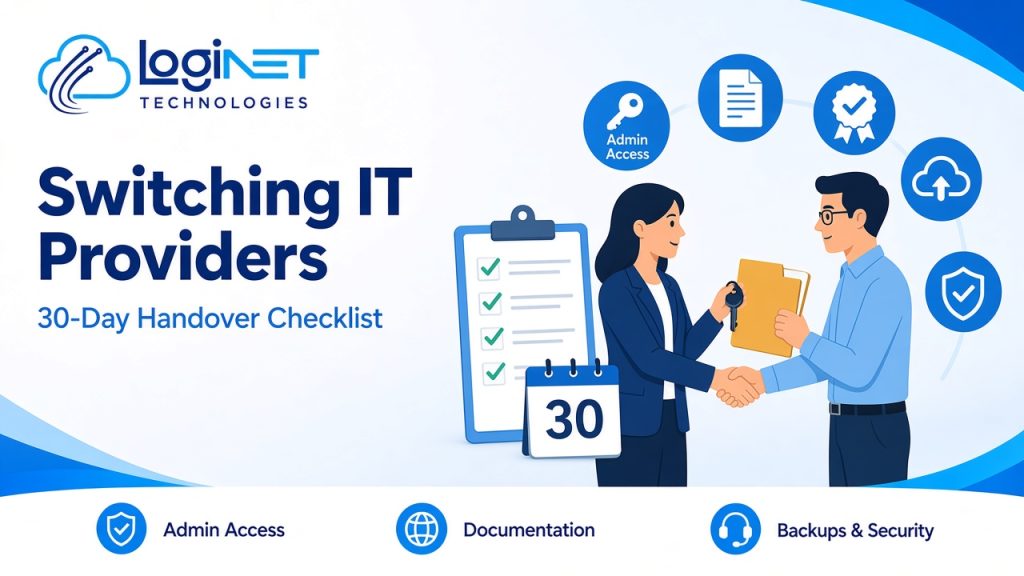
Short answer: Switching managed IT provider safely comes down to three things: get every admin login, licence and piece of documentation out of the old provider, confirm your backups work before anything changes, and run both providers side by side for a short overlap. A 30-day plan covering discovery, access transfer, security checks and cutover keeps the business running while support moves across.
Most businesses put off switching because they’re worried something will break or the old provider will hold things up. With a clear checklist, the move is usually far less painful than expected.
The 30-day plan at a glance
| Week | Focus | Key outcomes |
|---|---|---|
| Before day 1 | Check your contract | Notice period, exit terms and who owns what are clear |
| Week 1 | Discovery | Devices, users, systems, licences and vendors listed |
| Week 2 | Access transfer | All admin accounts, passwords and registrar logins handed over and changed |
| Week 3 | Security and backups | Backups test-restored, monitoring and security tools in place |
| Week 4 | Cutover | Helpdesk switched, old provider’s access removed, documentation complete |
Before you start: check the contract
- What notice period do you need to give?
- Are there exit fees or minimum terms?
- Who owns the hardware, licences and software subscriptions?
- Does the agreement say the provider must hand over documentation and credentials?
Give notice only once you know the answers, and keep communication with the old provider polite and in writing.
What to get from your old provider
| Item | Why it matters |
|---|---|
| Global admin accounts for Microsoft 365 or Google Workspace | Without these you can’t manage email, users or security |
| Domain registrar and DNS logins | Controls your website and email delivery |
| Firewall, switch and Wi-Fi admin credentials | Needed to manage and secure the network |
| Server, NAS and hypervisor logins | Needed for any on-site systems |
| Backup system access and recent restore results | Proves your data is recoverable |
| Licence list with renewal dates | Avoids lapses and double billing |
| Network diagram and asset register | Shows what you have and where |
| Vendor and telco contacts | Internet, phones, printers, line-of-business software |
| Open tickets and known issues | Nothing gets lost in the move |
If any of these are missing, write them down as a gap. Your new provider will need to recover or rebuild them.
Week by week
Week 1: discovery
Your new provider audits devices, users, applications and services, and compares what they find with the old provider’s documentation. Expect a list of gaps and quick security wins.
Week 2: access transfer
All admin passwords are changed and stored securely. Multi-factor authentication is checked on every admin account. Shared or personal accounts the old provider used are removed or handed over.
Week 3: security and backups
Backups are test-restored, not just checked for a green tick. Monitoring and endpoint protection are deployed. Any old remote-access tools are removed once the new ones are working.
Week 4: cutover
Staff are told how to log requests with the new helpdesk. The old provider’s access is fully removed. Documentation is finalised and a review date is set.
Common mistakes to avoid
- Giving notice before you have the admin credentials
- Assuming backups work without a test restore
- Leaving old remote-access tools installed
- Forgetting domain and DNS logins
- Not telling staff who to contact from day one
Why Loginet?
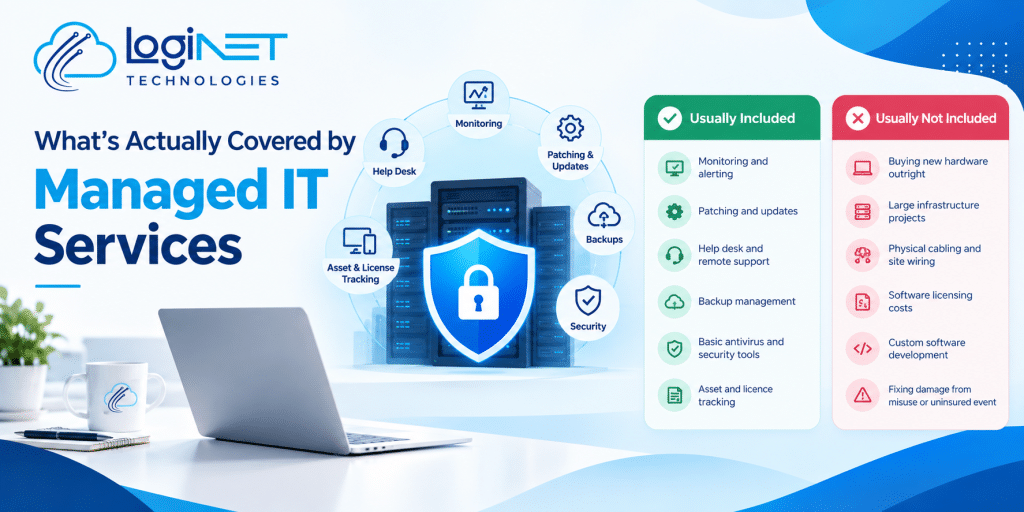
Loginet has been supporting businesses for more than four years. When you switch to us, we handle the handover with your old provider, document your environment as we go and put 24/7 threat monitoring in place. We provide remote support and on-site support across Queensland, including Toowoomba, the Gold Coast and Brisbane, plus other states. If you’d like an independent check of your security first, our cyber security assessment gives you a report and a fix list. See our managed IT services for more detail, or read what’s actually covered by managed IT services.
Frequently asked questions
How long does it take to switch managed IT providers?
A typical handover can be planned over about 30 days, depending on the size of your environment, your notice period and how quickly the old provider hands things over.
What should I get from my old IT provider before switching?
Admin accounts for Microsoft 365 or Google Workspace, domain and DNS logins, network and server credentials, backup access, a licence list, documentation and vendor contacts.
Will switching IT providers cause downtime?
It shouldn’t. A planned overlap, tested backups and staged access changes keep systems running while support moves across.
What if my old provider won’t hand over passwords?
Check your contract first. In most cases you own your accounts and data, and admin access can be recovered through Microsoft, Google or your registrar with proof of ownership.
Do I need to tell my staff?
Yes. Tell them the date support changes and how to log requests with the new helpdesk, so nobody is left without help.
Can Loginet take over support for a business in Brisbane?
Yes. We support Brisbane businesses remotely and on site. We don’t have a Brisbane office, but our team travels to Brisbane when on-site work is needed.
Ready to switch?
If you’re thinking about changing providers, a short conversation will map out what the handover involves for your business. Book a free 30-minute strategy call to talk it through. See our managed IT services for more detail.