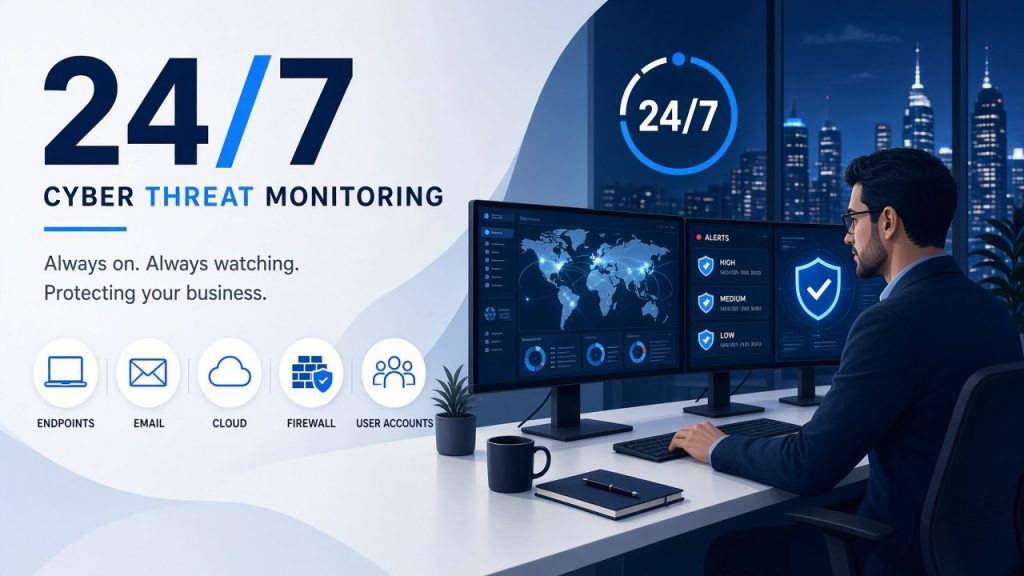
Short answer: 24/7 threat monitoring means your devices, accounts, network and security logs are watched around the clock for signs of an attack, such as a suspicious sign-in, malware on a laptop or unusual data leaving the network. When something looks wrong, an alert is raised so it can be checked and acted on quickly, including at night and on weekends, when most small businesses have nobody watching.
Antivirus and firewalls try to stop known threats at the door. Threat monitoring assumes some attacks will get past those defences and focuses on spotting them early, before a single compromised account or device turns into a business-wide incident. This guide explains what gets watched, what happens when an alert fires, and what to ask before you sign up for a service.
What 24/7 threat monitoring watches
A good monitoring service pulls signals from the places attackers usually show up first:
| What’s watched | Examples of what it looks for |
|---|---|
| Computers and servers | Malware, ransomware behaviour, unusual processes, security tools being switched off |
| Microsoft 365 and email | Sign-ins from unexpected countries, impossible travel, new mail-forwarding rules, mass file downloads |
| User accounts | Repeated failed logins, new admin accounts, MFA being disabled |
| Firewall and network | Connections to known malicious addresses, port scanning, unusual outbound traffic |
| Backups and critical systems | Backup jobs failing or being deleted, changes to key servers |
The value comes from looking at these together. One failed login means little. A failed login, then a successful one from overseas, then a new forwarding rule on the same mailbox is a pattern worth acting on straight away.
How it works, step by step
- Collect: Agents on your devices and connections to services such as Microsoft 365 and your firewall send security events to a central system, often called a SIEM (security information and event management).
- Detect: Rules and behaviour analysis flag activity that matches known attack patterns or looks out of character for your business.
- Triage: Alerts are checked to separate real threats from noise, such as a staff member signing in from a holiday.
- Respond: For a real threat, the next step might be resetting a password, blocking a sign-in, or isolating a laptop from the network.
- Report: You get a record of what happened and what was done, which also helps with insurance claims and reviews.
The response step is where services differ most, so it’s worth asking about in detail (see the questions below).
Threat monitoring vs antivirus vs SIEM
| What it does | What it doesn’t do | |
|---|---|---|
| Antivirus | Blocks known malicious files on a device | Doesn’t see account takeovers, cloud activity or attacks that use legitimate tools |
| Endpoint protection (EDR) | Watches device behaviour and can stop suspicious activity | Only covers the devices it’s installed on |
| SIEM | Collects and correlates logs from many systems | A tool on its own; someone still has to watch and act on its alerts |
| 24/7 threat monitoring | People and tools watching those signals around the clock | Doesn’t replace prevention such as patching, MFA and backups |
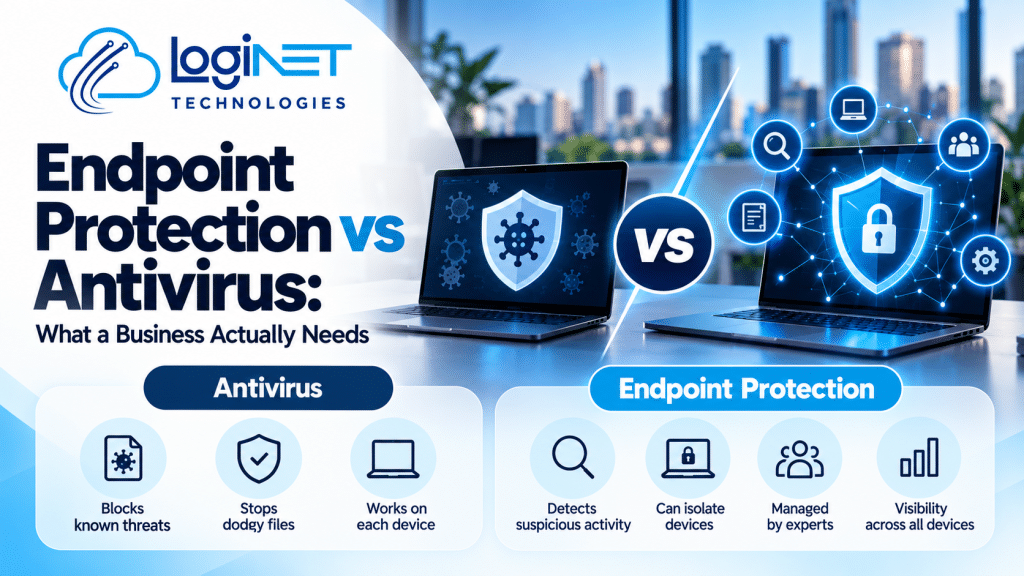
If you want the full difference between endpoint protection and antivirus, read endpoint protection vs antivirus for business. For monitoring with an investigation and response layer, see what managed detection and response is.
Why “24/7” matters for small businesses
Threats don’t keep business hours, so problems can begin outside the working day, when nobody may be looking. If a compromised Microsoft 365 account is only noticed on Monday morning, an attacker may have had a whole weekend to read email, send invoices with changed bank details or prepare ransomware.
Round-the-clock monitoring shortens that window. The sooner an attack is spotted, the less there is to clean up.
What threat monitoring doesn’t do
Monitoring is a detection control. It won’t fix weak passwords, unpatched systems or missing backups. It works best on top of the basics, such as the controls in the Essential Eight, email security and endpoint protection. It also doesn’t make a business “compliant” by itself, and no service can promise you’ll never be breached.
Questions to ask a threat monitoring provider
- What exactly is monitored: devices, Microsoft 365, firewall, servers, backups?
- Who looks at an alert at 3am on a Sunday, and what can they do about it?
- Which actions happen automatically, and which need your approval?
- How and when will you be told about a real incident?
- What does the regular report show?
- Does the same team handle the fix, or is it handed to someone else?
- Where is your security data stored?
Clear answers to these tell you far more than a list of tool names.
How Loginet helps
Loginet offers 24/7 threat monitoring for Australian businesses, with onsite support across Queensland and other Australian states. Monitoring works best alongside your wider security setup, from endpoint protection and email security to firewalls. If you’re not sure where your gaps are, our cyber security assessment gives you a written report and a prioritised fix list, and our CEH-certified staff carry out penetration testing in-house.
See our SIEM and threat monitoring service for more detail.
Frequently asked questions
What is 24/7 threat monitoring?
It’s a service that watches your devices, accounts, network and security logs around the clock for signs of an attack, and raises alerts so threats can be checked and acted on quickly, including outside business hours.
Is threat monitoring the same as antivirus?
No. Antivirus blocks known malicious files on a device. Threat monitoring looks across devices, cloud accounts and the network for suspicious behaviour, including attacks that antivirus can’t see, such as a stolen Microsoft 365 password.
What’s the difference between SIEM and threat monitoring?
A SIEM is a tool that collects and correlates security logs. Threat monitoring is the ongoing service of watching those signals and acting on them. A SIEM without someone watching it rarely helps a small business.
Do small businesses need 24/7 monitoring?
If your business relies on email, Microsoft 365 or customer data and has nobody watching security alerts after hours, monitoring closes that gap. Threats don’t keep business hours, so problems can begin outside the working day, when small businesses are least likely to notice.
Does threat monitoring stop all attacks?
No service can promise that. Monitoring helps you find and contain attacks early, which limits the damage. It works best alongside prevention such as patching, MFA, email security and tested backups.
Find out what’s watching your business tonight
Book a free 30-minute strategy call and we’ll look at what you have in place today and where 24/7 threat monitoring would close the gaps.