Short answer: A cyber security assessment reviews how well your business is protected. It looks at your devices, network, cloud services, email, user accounts, backups and policies, then checks them against a recognised framework such as the Essential Eight. It can include vulnerability scanning and penetration testing. At the end you should get a clear report: what was found, how serious each issue is, and a prioritised plan to fix it.
Business owners across Brisbane, the Gold Coast and Toowoomba often know they “should do something about cyber security” but aren’t sure where to start. An assessment is usually the right first step, because it replaces guesswork with a clear picture of your risks. This guide explains what’s involved, so you know what to expect and what to ask for.
Why get a cyber security assessment?
Common triggers include:
- A customer, insurer or tender asking about your security controls
- A recent phishing attack, account compromise or near-miss
- Moving to the cloud or Microsoft 365, or a major change in your IT
- A new IT provider wanting a baseline before taking over
- Simply not knowing how exposed you are
An assessment gives you a baseline you can measure improvement against, and evidence you can show to others. Loginet offers a general cyber security assessment, not only Essential Eight reviews, and you receive a report with a prioritised list of fixes.
Step 1: Scoping
A good assessment starts by agreeing what’s in and out of scope. Expect questions about:
- Your locations, number of staff and devices
- Cloud services in use, such as Microsoft 365, Google Workspace, AWS or Azure
- Critical systems and data, such as finance, customer records or line-of-business apps
- Any framework or requirement you need to meet
- Whether testing should include external systems only, or internal systems as well
Scoping keeps the assessment focused on what matters to your business and avoids surprises on effort or disruption.
Step 2: Information gathering and interviews
The assessor talks to the people who run your IT and the business. They review documents such as network diagrams, asset lists and existing policies. The goal is to understand how things are meant to work before checking how they actually work.
Step 3: Technical review
This is the hands-on part. Depending on scope, it can cover:
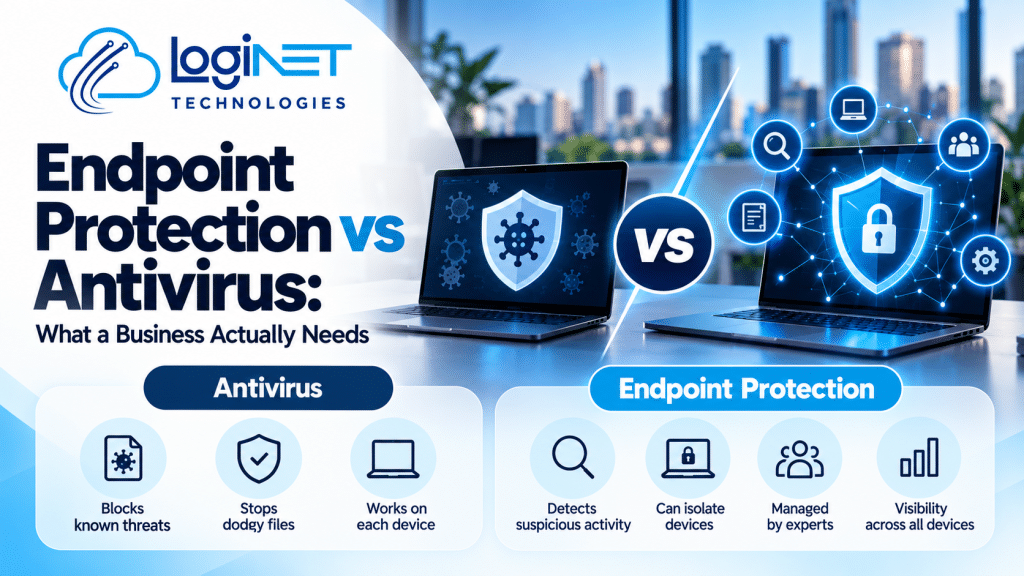
Devices and endpoints – Operating system and application patch levels – Endpoint protection status (see endpoint protection vs antivirus) – Local admin rights and application control
Identity and access – Multi-factor authentication coverage – Privileged and shared accounts – Former staff accounts that are still active – Password policies
Microsoft 365 or Google Workspace – Security defaults and conditional access – Email filtering, external sharing and mailbox forwarding rules – Audit logging
Email domain security – SPF, DKIM and DMARC records (see SPF, DKIM and DMARC explained)
Network and firewall – Firewall rules, remote access and VPNs – Wi-Fi segmentation and exposed services (see firewall and network security)
Backups and recovery – Whether backups exist, are protected from ransomware and can actually be restored
Step 4: Vulnerability scanning and penetration testing
The two are often confused:
| Vulnerability scan | Penetration test | |
|---|---|---|
| What it is | Automated scan for known weaknesses | A skilled tester actively tries to exploit weaknesses |
| What it shows | A list of possible issues | What an attacker could actually achieve |
| Depth | Broad | Deep and targeted |
| Best for | Regular checks | Testing real-world risk, before major launches or for assurance |
Loginet has in-house penetration testing, with staff holding the Certified Ethical Hacker (CEH) certification. Any testing is agreed in writing beforehand, including scope, timing and contacts, so it doesn’t disrupt your business.
Step 5: Policies and people
Technology is only part of the picture. A full assessment also looks at:
- Security and acceptable use policies
- Onboarding and offboarding processes
- Incident response: who does what if something goes wrong
- Staff awareness of phishing and scams (see security awareness training)
- Supplier and third-party access
Step 6: Mapping to a framework
Findings are usually mapped to a recognised framework. For most Australian small and medium businesses, that’s the ACSC’s Essential Eight. Our guide to Essential Eight maturity levels explains how levels are measured. If you need an Essential Eight-specific review, see our Essential Eight assessment and uplift service.
What do you get at the end?
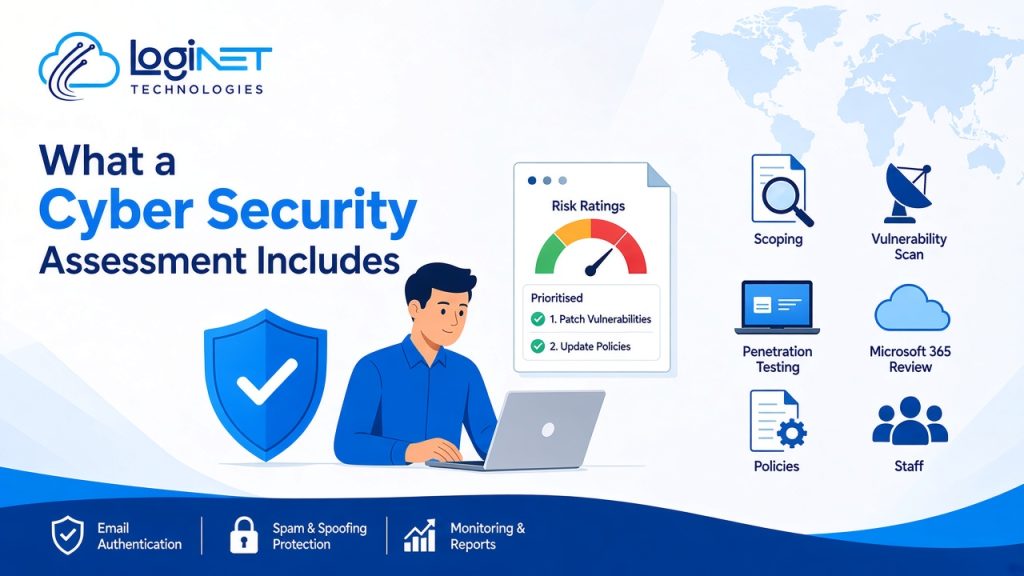
The report is the most important output. A useful one includes:
- An executive summary in plain English for owners and managers
- Your current position against the chosen framework
- Findings rated by risk (for example critical, high, medium, low), with evidence
- A prioritised remediation roadmap: what to fix first, quick wins and longer-term projects
- Technical detail for whoever will make the fixes
- A debrief meeting to walk through the results and answer questions
Be cautious of an assessment that ends with a long, unprioritised list of issues. You should know exactly what to do next.
What happens after the assessment?
Your report includes a list of fixes, so you can act on it with your own team, with your current IT provider, or with us. Loginet can implement the fixes and then keep watch with 24/7 threat monitoring. Re-assessing after remediation shows how far you’ve come.
Why Loginet?
Loginet is a Microsoft Partner, AWS Partner and Microsoft Azure Partner with more than four years in business and a team of 20+ IT experts. Our staff hold certifications across AWS, Microsoft, Cisco, Palo Alto, Fortinet and CEH. Because we also manage IT day to day, our recommendations are practical for small and medium businesses, not just theoretical. Find out more about our cybersecurity consulting services.
Frequently asked questions
How long does a cyber security assessment take?
It depends on scope, the number of systems and whether penetration testing is included. Scoping will give you a timeline before work starts.
Will an assessment disrupt our business?
Usually very little. Most work is reviews and interviews. Any active testing is scheduled and agreed in advance to avoid disruption.
How often should we have a cyber security assessment?
At least once a year, and after major changes such as a cloud migration, a new office or a security incident.
What is the difference between an assessment and a penetration test?
An assessment reviews your overall security position. A penetration test is one technical part of it, where a tester actively tries to break in.
Can the report be shared with our insurer or customers?
The executive summary is usually suitable to share. Confirm what your insurer or customer needs before the assessment, so the report covers it.
Do you assess businesses outside Toowoomba and the Gold Coast?
Yes. We support businesses across Queensland and Australia, including Brisbane, with much of the review done remotely.
Find out where you stand
Not sure how exposed your business is? Book a free 30-minute strategy call to talk through your risks and whether an assessment is the right next step. See our cybersecurity consulting services for more detail.