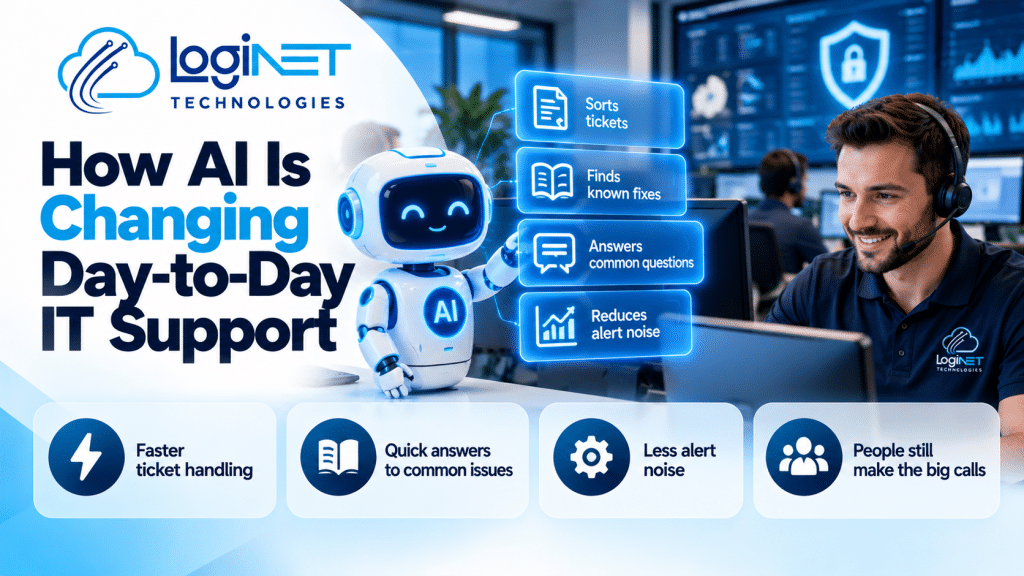
Short answer: IT help desk services give your staff one place to report IT problems and get them fixed, by phone, email, portal or remote session. A good help desk logs every request, works to agreed response times, escalates complex issues to senior engineers and reports back on trends. For small and medium businesses it is usually part of a managed IT plan.
If your team loses time waiting for someone to “have a look” at a laptop or password problem, a proper help desk is often the first fix. This guide explains what to expect and what to ask before you choose a provider.
What are IT help desk services?
An IT help desk is the front door for IT support. When something breaks, a staff member raises a ticket and a technician picks it up, works the problem and closes it once it is fixed.
Typical requests include:
- Password resets and account lockouts
- Microsoft 365 issues: Outlook, Teams, OneDrive and SharePoint
- New starters and leavers: accounts, licences and devices
- Printer, Wi-Fi and VPN problems
- Software installs and updates
- Suspicious emails and possible security incidents
The help desk is different from a project. Rolling out a new firewall or migrating to the cloud is planned work. The help desk handles the day-to-day.
What should an IT help desk service include?
When you compare providers, check that these are included and written down:
- Multiple ways to raise a ticket. Email, portal and phone, so staff use whatever suits the problem.
- A ticketing system. Every request is logged, so nothing relies on someone remembering.
- Agreed response times. Clear targets by priority, for example faster for “nobody can work” than “one printer is slow”.
- Remote support. Most issues can be fixed with a remote session in minutes.
- On-site support when needed. Some problems need hands on hardware.
- Escalation paths. Clear handover from first-line technicians to senior engineers.
- Reporting. Regular summaries of ticket volume, common issues and fix times.
- Security awareness. Technicians who recognise phishing and know when to treat a ticket as an incident.
Our post on what’s actually covered by managed IT services goes into the wider scope beyond the help desk.
How do L1, L2 and L3 help desk support differ?
Most help desks work in tiers. Level 1 handles common, quick fixes such as passwords and basic software issues. Level 2 handles deeper troubleshooting on devices, networks and applications. Level 3 covers complex problems that need senior engineers or vendor involvement.
We explain this in more detail in what L1, L2 and L3 support actually mean. The key question for a provider is how quickly a ticket moves up a tier when the first fix doesn’t work.
What is the difference between a help desk and a service desk?
People use the terms interchangeably. Strictly, a help desk focuses on fixing incidents, while a service desk covers a wider range of IT service management, including requests, changes and asset tracking. For most small businesses what matters is the outcome: issues get fixed quickly and the root cause gets addressed so they don’t keep coming back.
Should you outsource your IT help desk or keep it in-house?
It depends on your size and how much IT knowledge you already have.
- Fully outsourced help desk: Good when you have no dedicated IT staff. Everyone calls the same team, and you get a range of skills without hiring.
- Co-managed help desk: Good when you have one internal IT person who is stretched. The provider handles routine tickets or after-hours cover, and your person focuses on projects. See co-managed IT.
- In-house only: Works for larger organisations with a full IT team, though they often still use a partner for overflow and specialist skills.
How much do IT help desk services cost?
Help desk support is usually priced per user per month as part of a managed IT plan, or by the hour for ad-hoc work.
At Loginet, managed IT plans are $84, $105 or $129 per user per month, depending on the level of cover. Ad-hoc support is $145 per hour. There is no lock-in contract, just 30 days’ notice, and no minimum number of users. For a full breakdown see our guide to managed IT services costs in Queensland.
What questions should you ask a help desk provider?
Before you sign, ask:
- What are your response times for each priority, and how do you report on them?
- How do my staff raise a ticket, and what happens out of hours?
- Who handles escalations, and what certifications do they hold?
- Will you document our systems, so knowledge isn’t held by one person?
- How do you handle new starters and leavers?
- What happens if we want to leave? Is there a lock-in contract?
- Do you provide on-site support in our area?
IT help desk support across South East Queensland
Loginet Technologies has supported Queensland businesses for more than four years. Our team of 20+ IT experts holds certifications across Microsoft, AWS, Cisco, Palo Alto, Fortinet and CEH, and we are a Microsoft Partner, AWS Partner and Microsoft Azure Partner.
We provide our IT help desk services and wider IT support through our Toowoomba IT helpdesk at our head office, our Gold Coast IT helpdesk from the Bundall office, and an IT helpdesk for Brisbane businesses delivered remotely and on site from our Toowoomba and Bundall teams. The help desk sits inside our managed IT services.
Frequently asked questions
What does an IT help desk do?
It receives, logs and resolves IT problems and requests from staff, such as password resets, email issues, device faults and software installs, and escalates complex issues to senior engineers.
Is a help desk part of managed IT services?
Usually, yes. Most managed IT plans include help desk support along with monitoring, patching and security.
Can a help desk support remote and hybrid staff?
Yes. Most tickets are resolved by remote session, so staff working from home get the same support as those in the office.
Do I need a minimum number of users?
Not with Loginet. There is no minimum number of users.
Can I use a help desk just for after-hours cover?
Yes. Many businesses with internal IT staff use a co-managed arrangement for after-hours or overflow support.
Get help desk support that keeps your team working
Want a help desk your staff will actually use? Let’s talk about your users, systems and the response times you need.